Request Quote
Video Transcription
When you receive your cluster mailbox, whether it's a 4C or 4C Pedestal, the keys will be locked inside. Here's how you access the keys:
Step 1: Open the Master Door
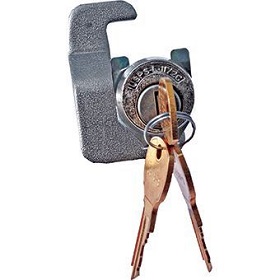
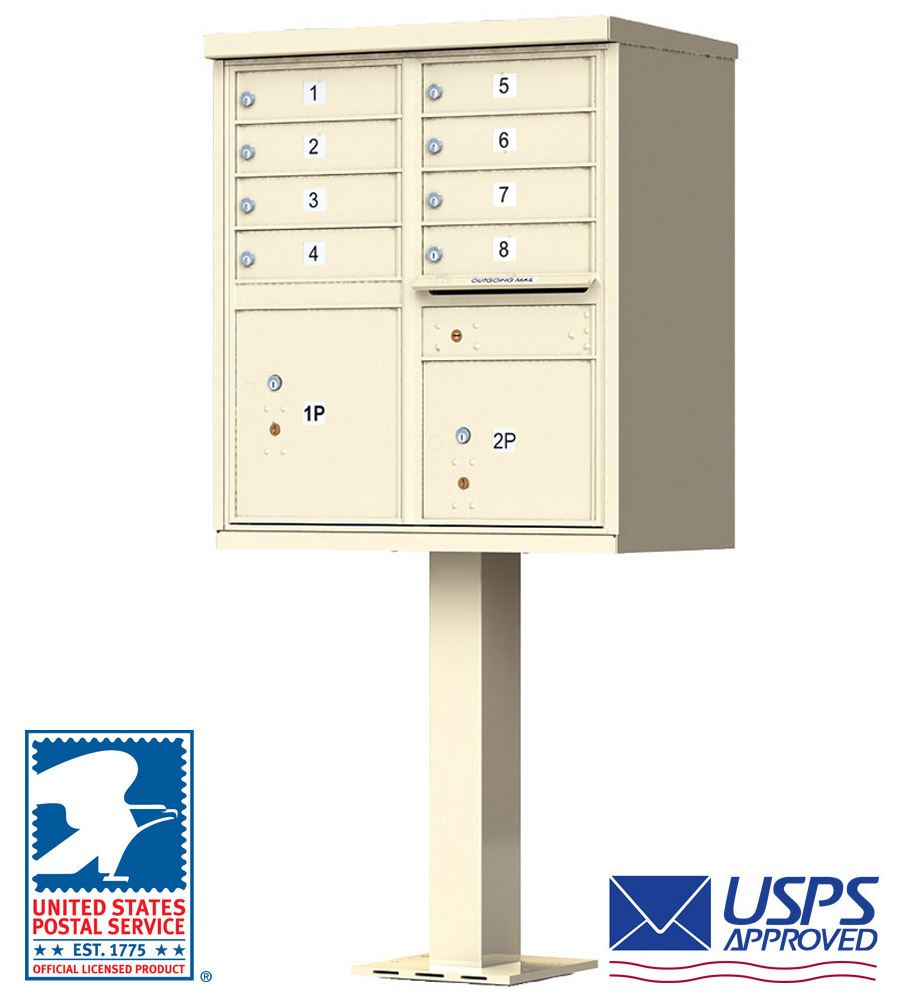
You'll do this by first reaching inside the outgoing tenant box labeled "US Mail." Open this tenant door using the small, round opening designed for the USPS Arrow Lock.
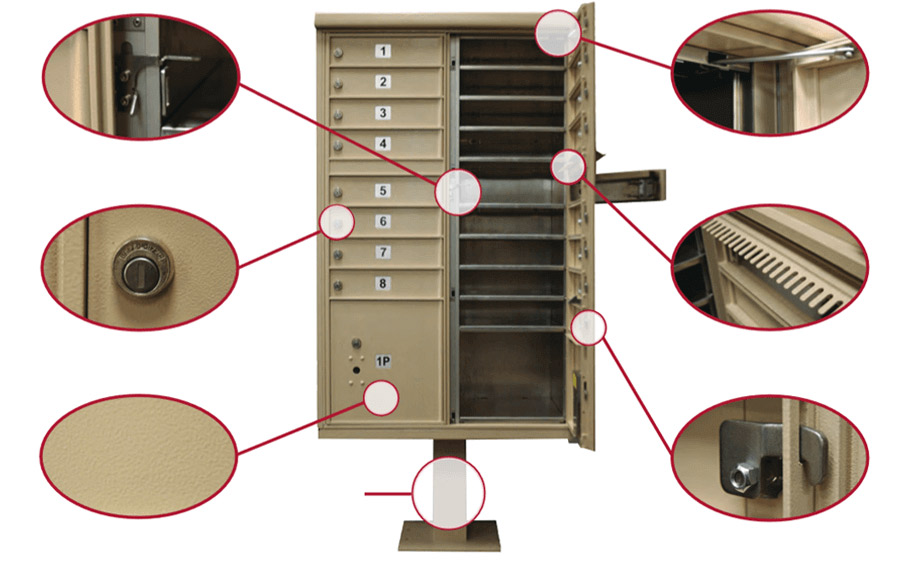
To retrieve your keys, pull up on the hinge located inside the outgoing tenant box you just opened. This will release the master door, allowing you to access all tenant boxes. On double column units like the one shown in the video above, you will open the right column door first, followed by the left column door.
Step 2: Retrieve your keys from the Parcel Locker
Now that you have opened the master door, you will find the keys sealed in a plastic bag taped to the back of the parcel locker. If the unit you purchased has more than one parcel locker, please check all of them. The keys could also be in one of the smaller tenant boxes, so check the entire unit if your keys are not in one of the parcel lockers.
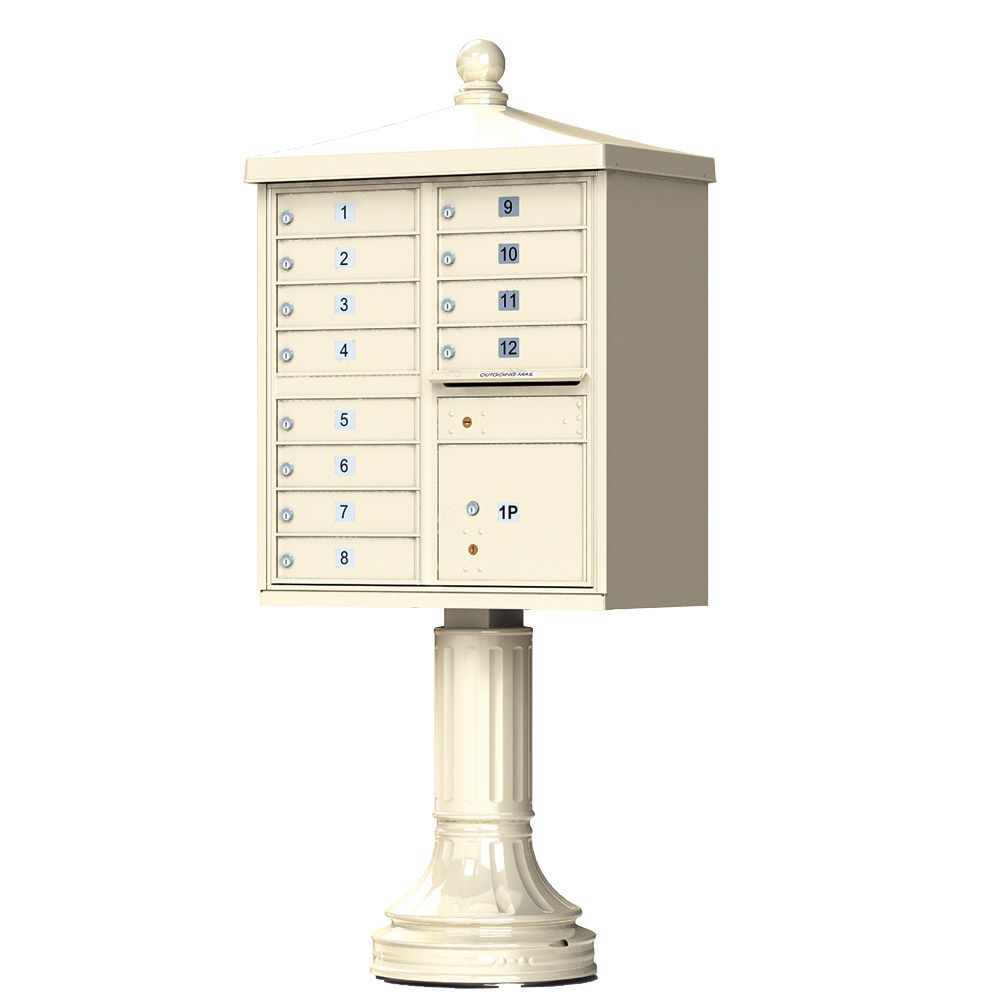
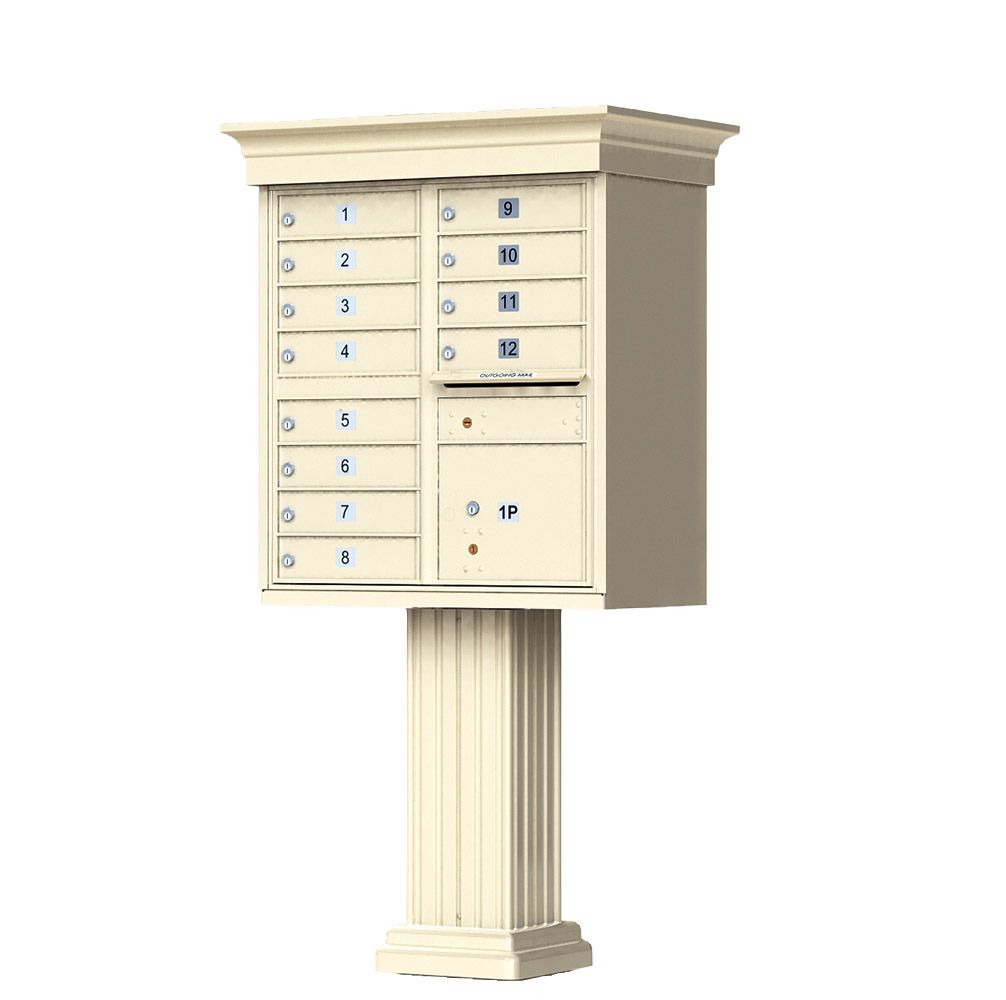
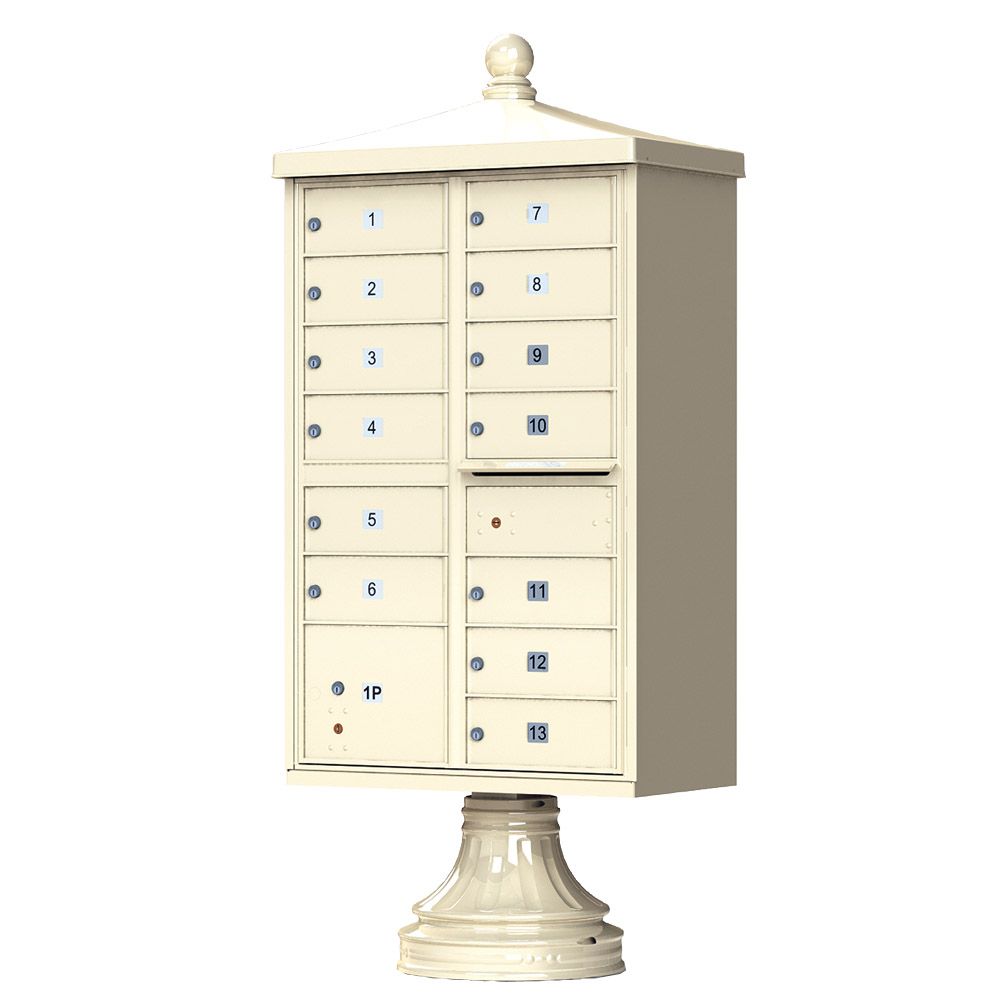
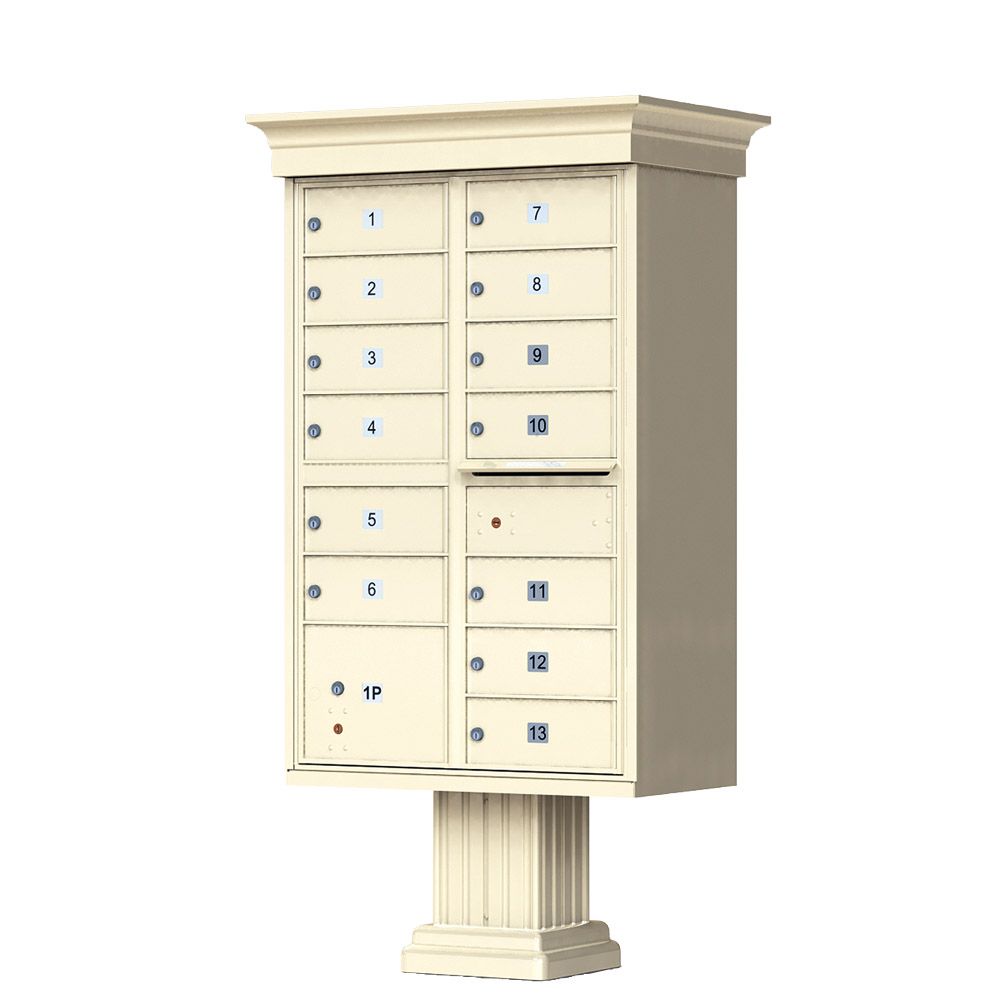
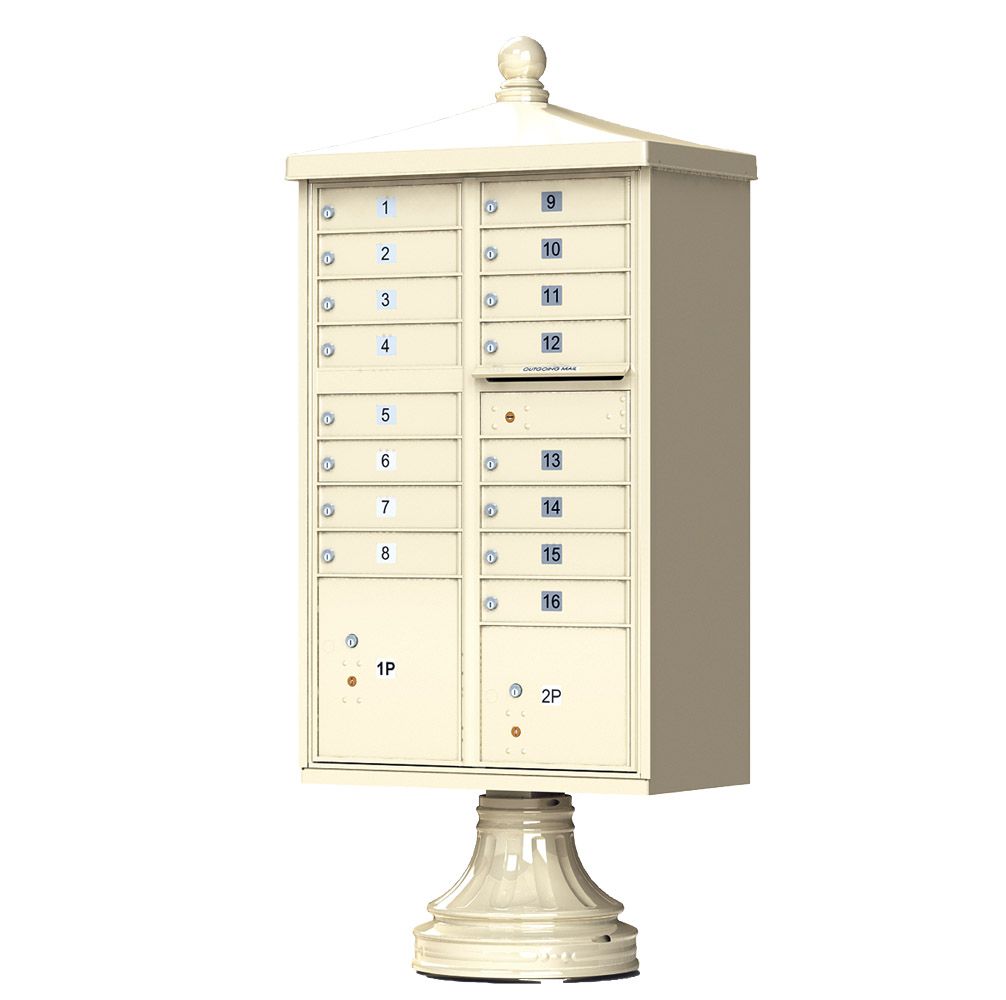
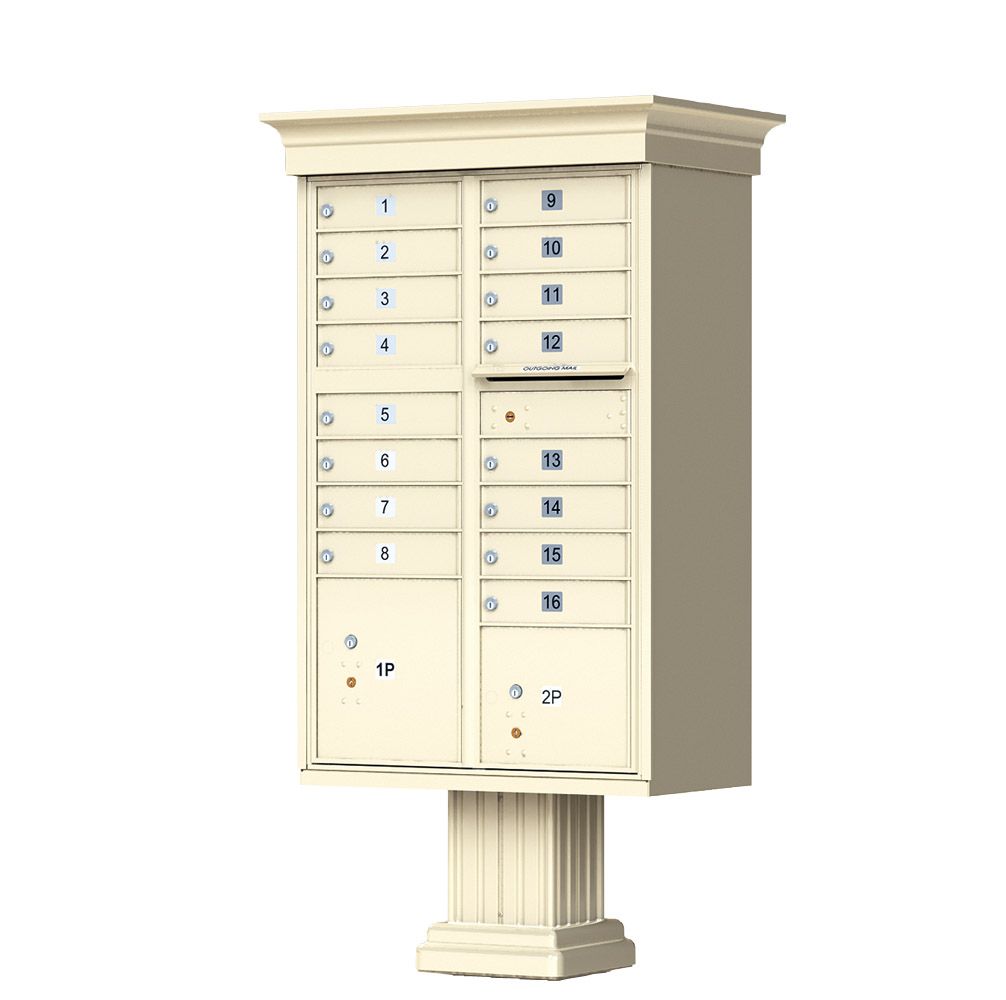
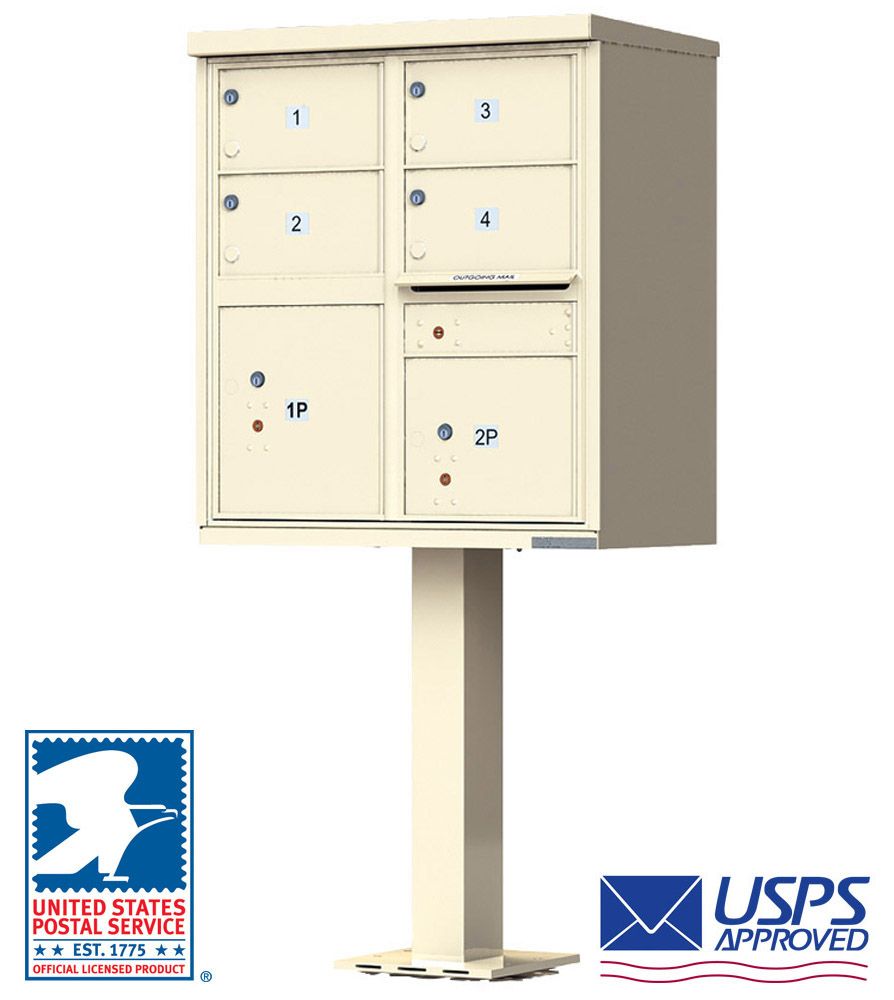
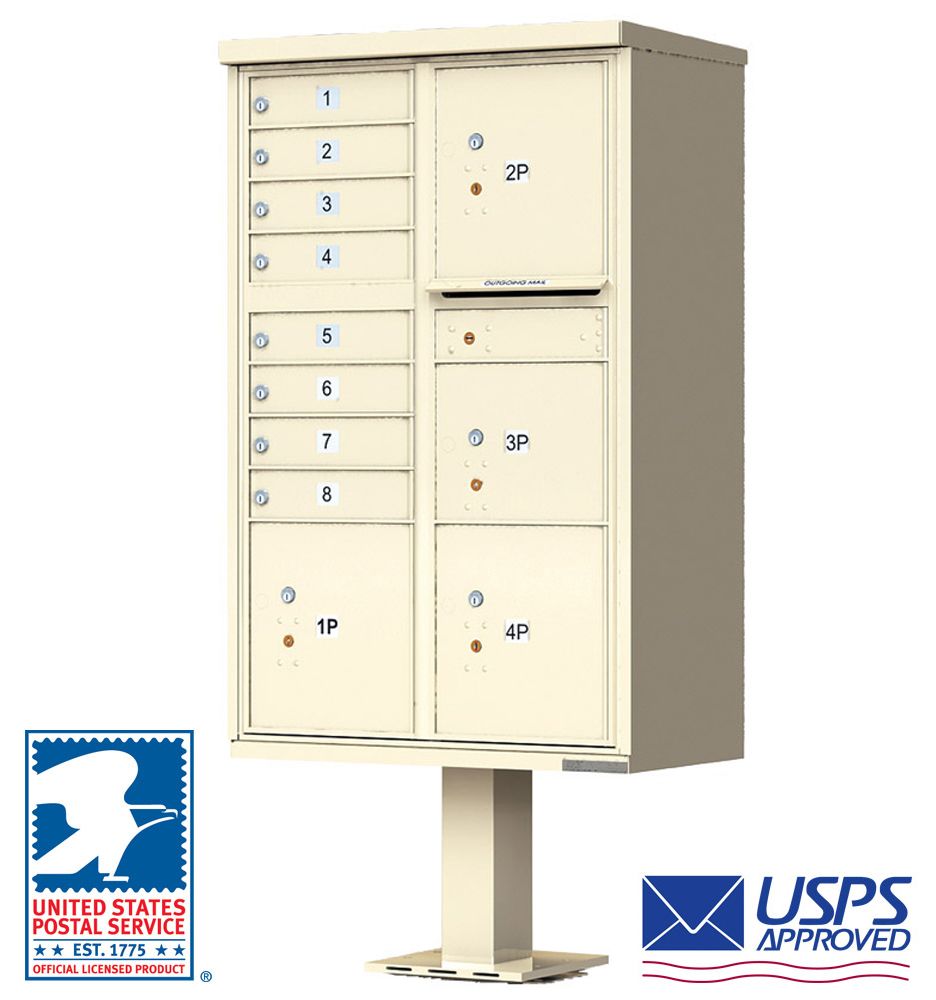
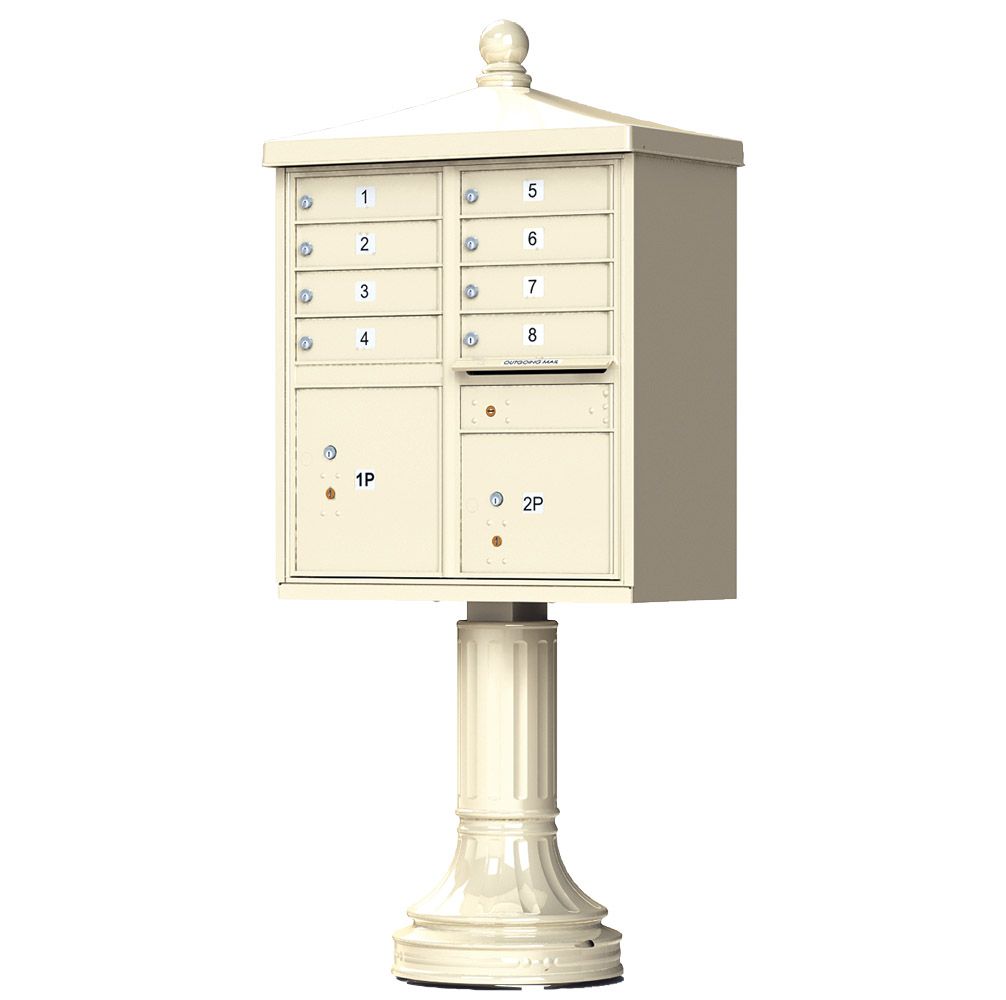
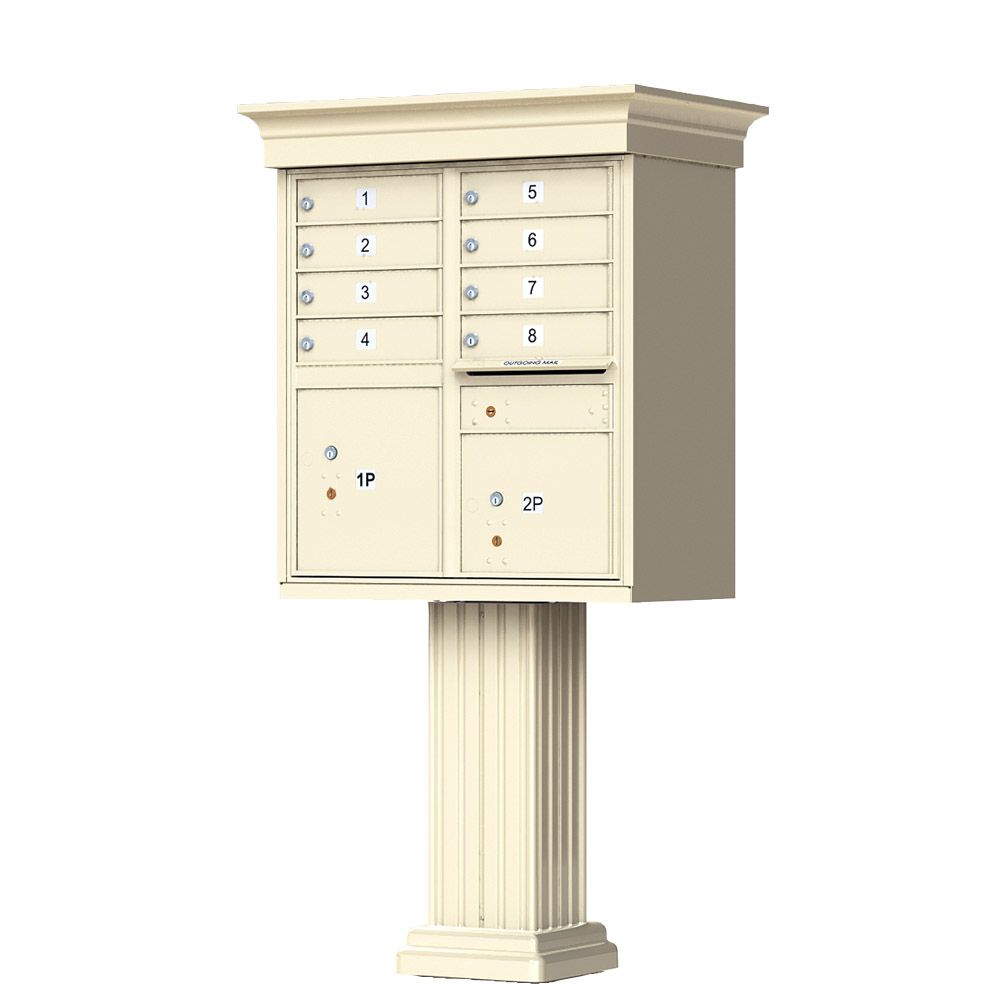
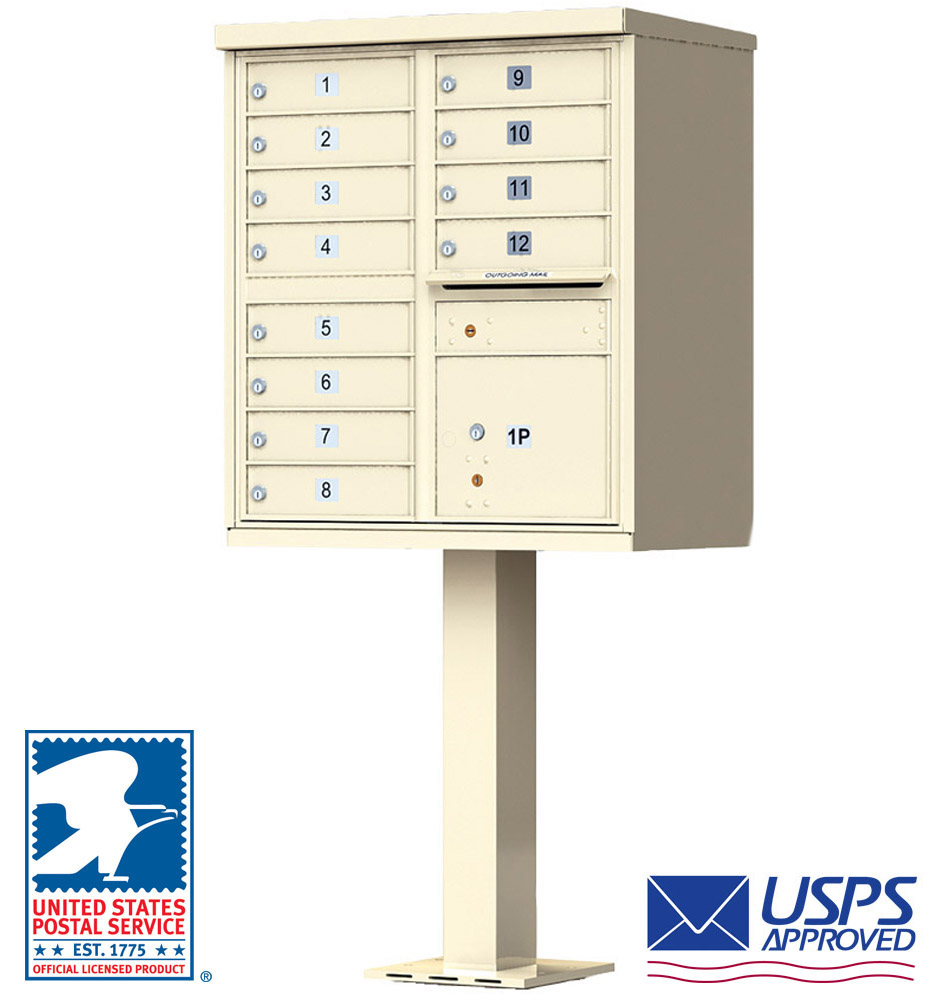
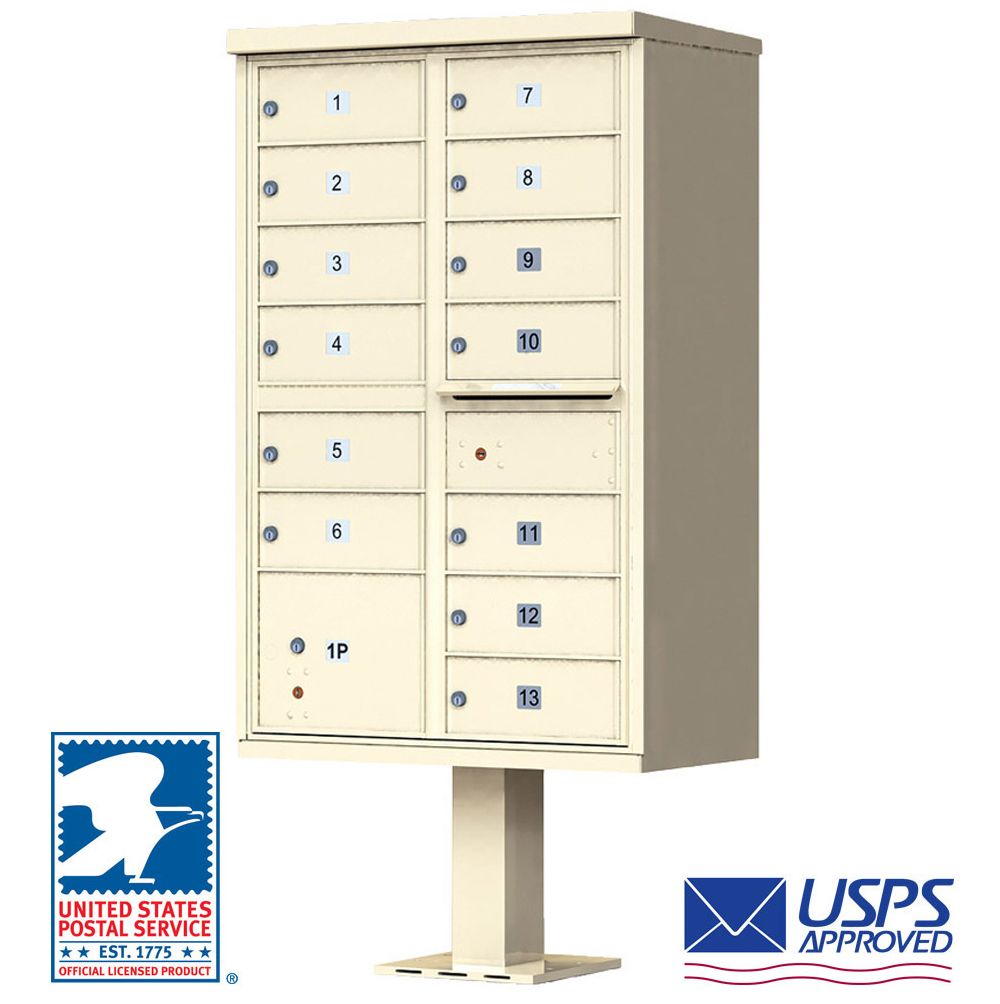
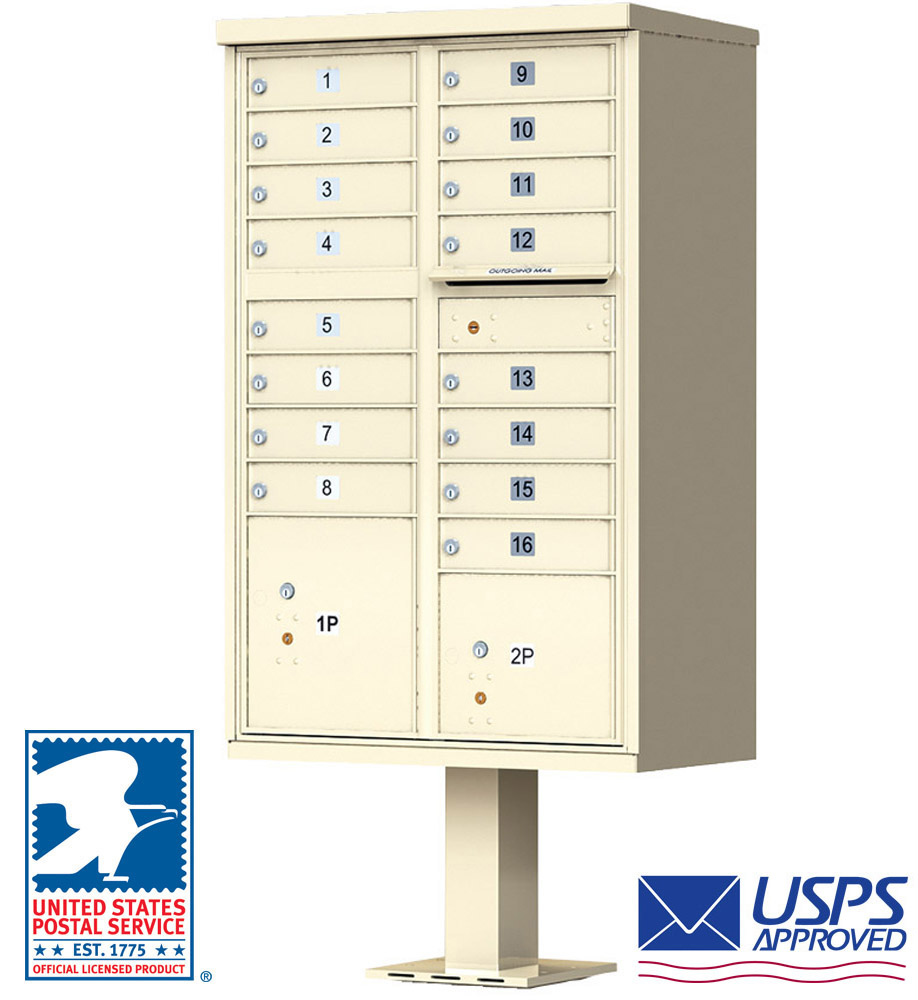
Below, we've included a diagram of the pedestal cluster mailbox:
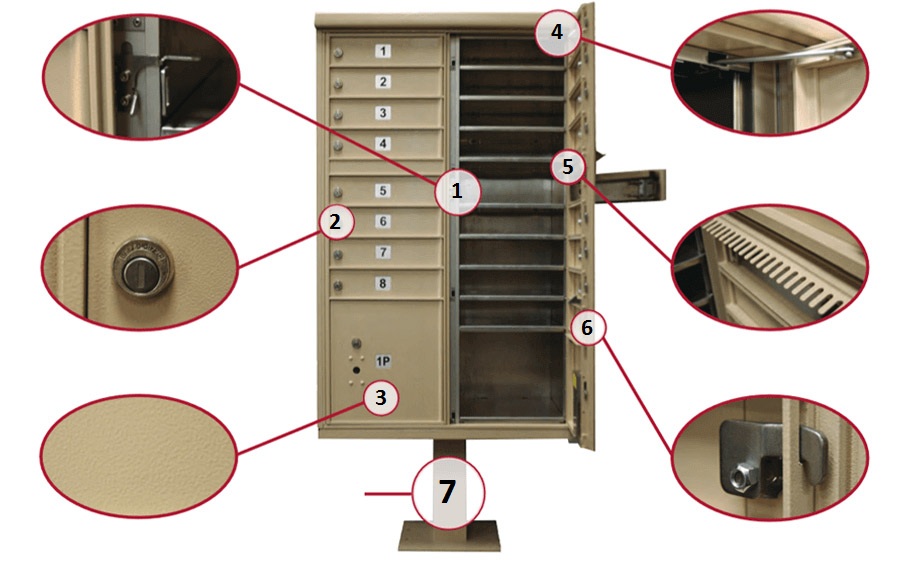
Retrieving Keys from Private Use Units
The Master Lock should arrive already installed on your unit. The key to your master lock should be in an envelope taped to the side of your unit.
If you have any questions or cannot locate your CBU keys, please call us at (866) 707-0008.
This blog article was first published on 02/22/2016 at 6:18 AM and updated on 03/03/2025 at 9:05 AM.